
 Not released yet
 Not released yet
Discover
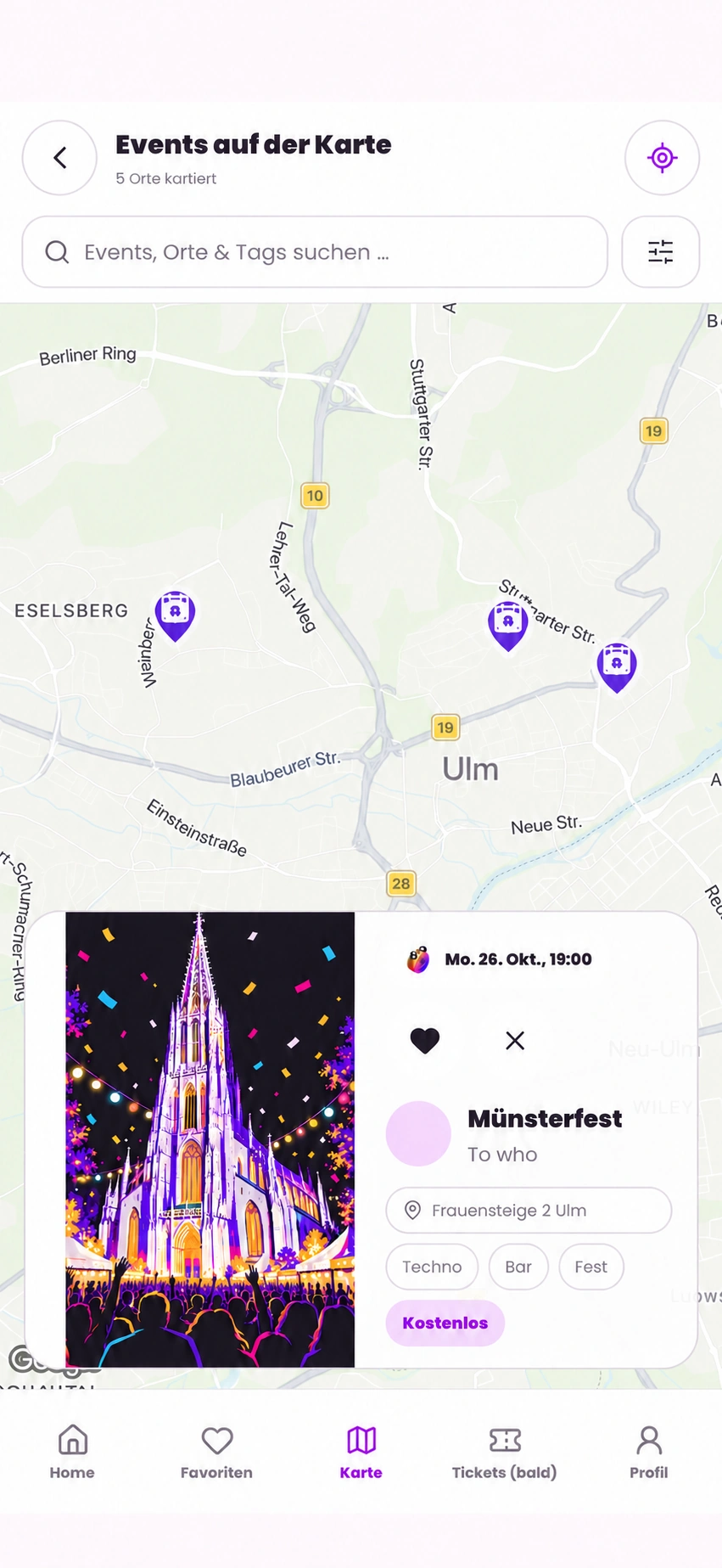
Open the map view or filter the feed for what sounds right today.
You can create events yourself: registered users can publish personal events from their account without Creator approval. Clubs, teams and brands can apply for a verified organizer profile with a Creator badge; approval is manual.
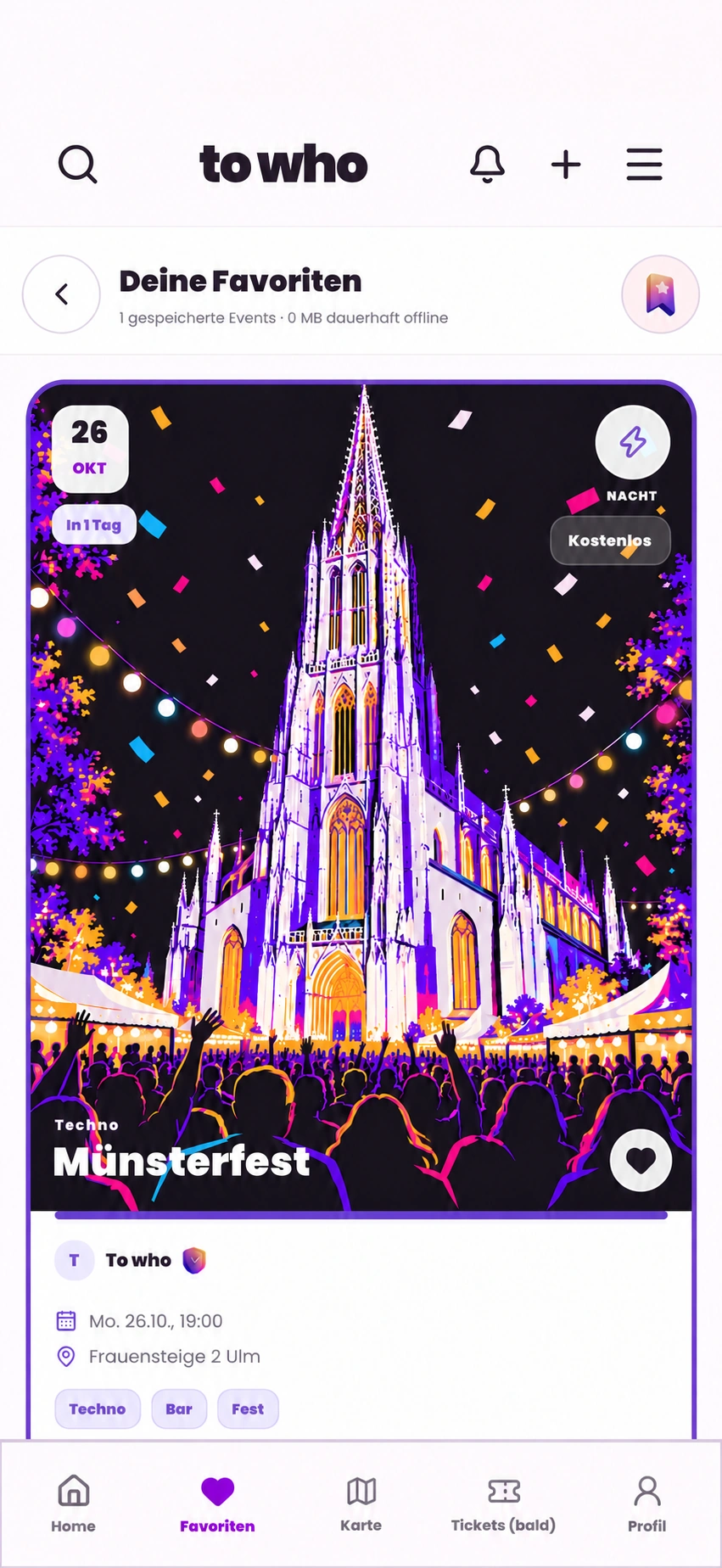
From “What’s on?” to your own plan
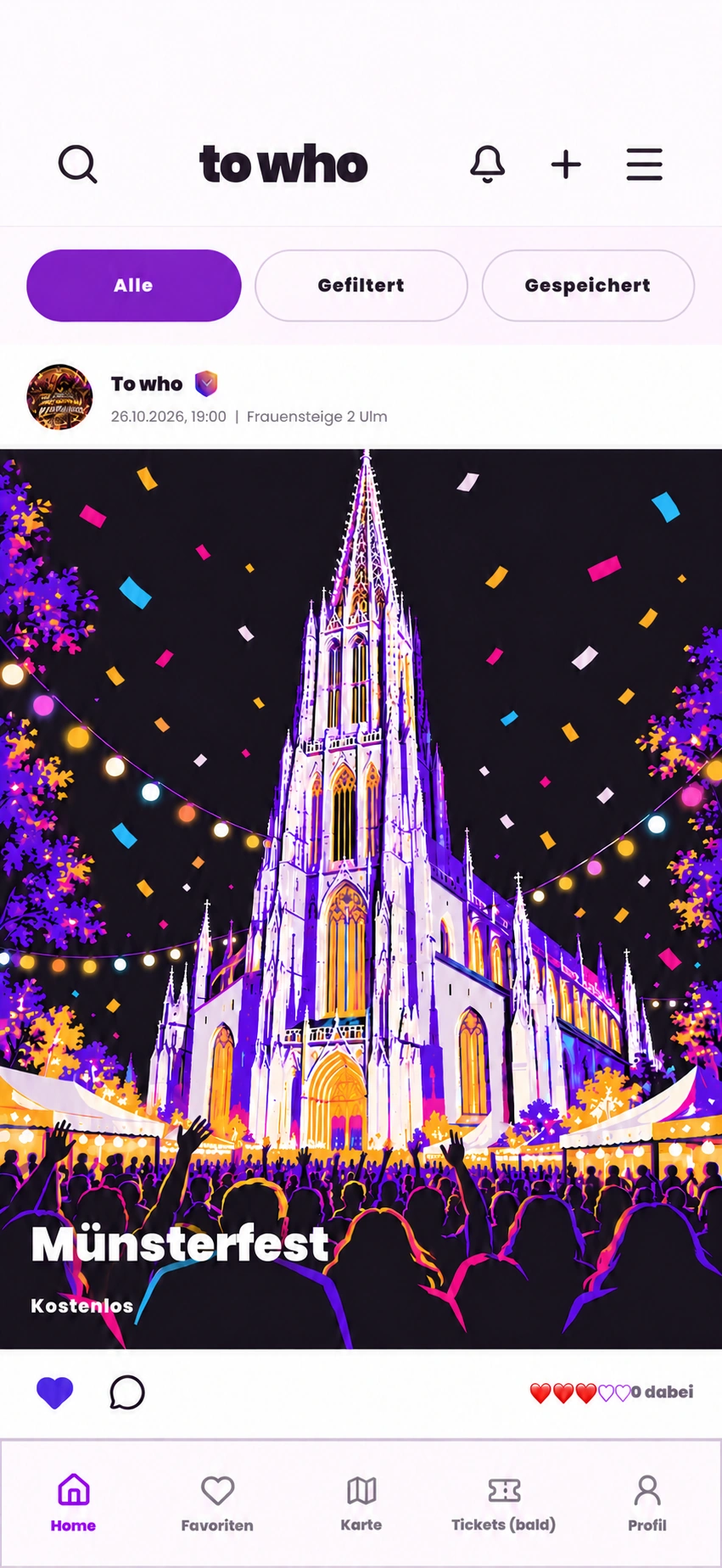
For events published on to who, the app brings search, a map view and your personal plan together in one place.
Open the map view or filter the feed for what sounds right today.
Save an event. The same card then appears in your plan.
Open the event details and review the information available.
Date, location, tags and key event information sit together, so you can decide whether it fits your evening.
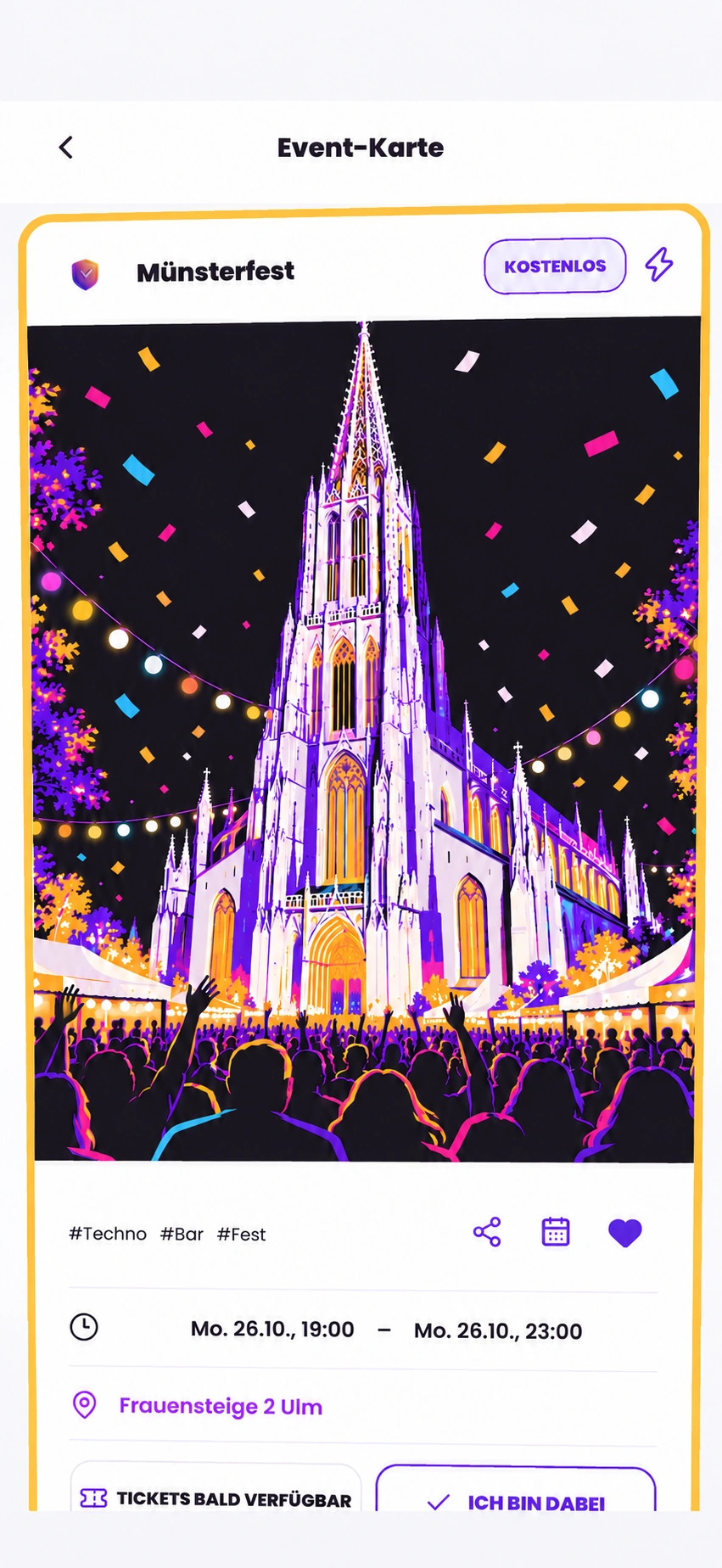
Both sides of the city
to who connects event discovery, personal events from users and verified organizer profiles for clubs, teams and brands.
Personal events and verified organizer profiles
Any registered user can publish up to five personal events in any rolling 24-hour period from their own account. For clubs, teams or brands, manual Creator approval adds a verified organizer profile with a Creator badge and organizer tools to that same account. The Instagram check only proves access to the account; To-Who reviews and approves Creator access separately.
Example view · no invented reach or results
to who app
to who is not publicly available yet. We show the current product state here and will add store links only after a confirmed release.
Not yet available in app stores
Frequently asked questions
to who helps you discover published events in Ulm and the surrounding area, browse them in the feed or on the map, and save interesting events to your plan.
No. You can discover events without signing in. A registered account is required to publish personal events and use organizer features.
Yes. A registered account can publish up to five personal events in any rolling 24-hour period. You do not need Creator approval for personal events.
Apply for a verified organizer profile. After Instagram account access is checked, Creator access is reviewed and approved manually.
The app is not yet publicly available in the app stores. All to who features are free.